Cuadernillo grapado
Los libros con encuadernación grapada son económicos y rápidos de producir. Mixam ofrece una gama de opciones de impresión de libros, incluyendo portadas profesionales, o imprimir con autocubierta usando el mismo papel de alta calidad en todo el libro. Nuestras opciones de encuadernación de impresión de libros incluyen: encuadernación rústica, grapada y encuadernación wire-o. Son multipropósito, y ya sea que imprimas catálogos, manuals, o revistas, este método de encuadernación es ideal para contenido estacional y permanente. Además, puedes descargar plantillas PDF gratuitas para editar tus diseños para encuadernación grapada.
Asóciate con Mixam para todas tus necesidades de impresión de marketing: impresión de libros, impresión de catálogos, tarjetas de presentación, impresión de flyers, impresión de pósters, impresión de fotolibros, libros bajo demanda y más.
Non-account holders can place orders, but we recommend creating a free Mixam account and signing in. Select an item from the categories at the top of the website, and choose your print specifications, free quote and estimated shipping date via the Instant Quote Calculator. Click Add to Cart, then Continue, and upload your files to your Artwork tab. Visit our How To Print With Mixam Support Page for more information.
You can create artwork by hand, scan it or photograph it and upload images to your desktop. You can also use graphic design programs like Adobe Photoshop, InDesign, Illustrator, Canva, or Affinity Publisher. To ensure print-ready files before upload, download Our Instant Quote Calculator's downloadable PDF templates to lay out your designs. Alternatively, click the Design Online Tool to create artwork in your order (visit our Support Page for more information).
Bleed is an extension of artwork or color(s) to minimize unprinted edges appearing when we cut your prints to size. Most items require a 0.125” bleed, including Flat items and the inner pages and covers on Bound and Paperback items. You don’t need to include bleed if no artwork or color(s) meet the page edges. Visit our Bleed Support Page or contact our team for help.
Start a pending order by adding a quote to your Cart and clicking Continue. Please label your files clearly before uploading with names like Page_1, Page_2, etc., so our system can place your files chronologically. Drag and drop files from your desktop or upload them from your computer, online file-sharing accounts like Dropbox, or a web URL. You can upload single and multi-page files to orders. Visit our Print File Setup Guide for more information.
You can upload many file types, and we’ll convert them into high-quality PDFs. You can submit them as single, double, or individual files. Ensure your files are in CMYK color mode before uploading. Visit our Color Guide for Printing and File Formats Support Page to view the complete list of accepted file types.
A multi-piece shipment refers to a single order containing multiple items. Once you add your first quote to your Shopping Cart, you can repeat the process for the same item or add a quote for another item via the categories at the top of the website. You can then upload your files to each item in one order.
Once you’ve uploaded files in your order’s Artwork tab, you can preview them via Thumbnails, an Online Preview and Downloadable Proof. Mixam’s automatic file checker will scan your files, but please also check all files manually, especially your Downloadable Proof, to review and fix issues before we send your order to production. Visit our Proofing Support Page for more information, and contact our print experts by chat, email or phone for assistance.
The cut-off time for Confirmed orders is 4 pm CT every workday. It would help to confirm your order before these times to secure your estimated shipping date. Unconfirmed orders may mean you receive a new estimated delivery date. Visit our Shipping and Delivery Support Page for more information.
We aim to get your order to you by or on the estimated date you choose on our Instant Quote Calculator. While all shipping dates are not guaranteed, we’ll inform you at the earliest opportunity if a delay occurs. Visit our Shipping and Delivery Support Page for more information, and contact our team in advance if you have a deadline, and we’ll try to accommodate.
You can familiarize yourself with our quality, products and paper stocks by ordering free printed samples here. You can also create a test print before placing a larger order by ordering one copy via our Instant Quote Calculator. Please note that shipping can take longer depending on your location, but you can contact our team if you have any questions.
Click 'Custom Size' on our Instant Quote Calculator's Size section to choose your dimensions. Sizing limits will appear underneath to match our printing press plate dimensions.
Upload one 300 dpi PDF file to your Artwork tab containing a back cover and front cover design. You only need to include a spine design file if you're printing a Perfect (PUR) item. Ensure your design matches the dimensions you selected in your initial quote, and before uploading, label it with a name like cover.pdf so our system can automatically put it in the correct place. Visit our Print File Setup Guide for more information.
Lamination means applying a transparent plastic coating on top of prints to preserve, protect and enhance aesthetics. All laminations and finishes can affect the final appearance of printed colors, but each minimizes issues like marking, ink transferral, smudging, creasing, fading, wrinkling, abrasion and tearing. Please note we cannot laminate Uncoated and Recycled Paper stocks. Visit our Print Finishes Support Page for more information.


Cargando

Cómo subir tus archivos
- Para asegurar archivos de impresión de alta calidad, convertiremos tus archivos a PDF, sin importar qué tipo de archivo subas. Aceptamos páginas individuales, páginas dobles o archivos individuales. Visita nuestra página de ayuda sobre Formatos de archivo para aprender cómo enviar tus archivos.
Importante – Tu portada
- Agregar una portada aumentará el conteo total de páginas en cuatro. Una portada incluye una portada delantera, un interior de portada, una contraportada y un interior de contraportada.
Sangrado
- El sangrado es el área que rodea el tamaño de corte de tu impresión, extendiendo una imagen o color más allá del tamaño final de corte. Agrega un sangrado de 0.125" a cada archivo de impresión antes de subirlo a tu Panel de Arte. Evita colocar contenido importante dentro del área de sangrado. No necesitas incluir sangrado si tus páginas están en blanco (es decir, sin imágenes/gráficos que lleguen al borde de tu página). Visita nuestra página de ayuda sobre Configuración de sangrado para aprender más sobre sangrado, líneas de corte y áreas de margen interno.
Encuadernación
- Puedes elegir entre una gama de opciones de encuadernación en nuestra Calculadora de cotización instantánea. Dirígete a nuestra página de ayuda sobre Tipos de encuadernación para aprender más sobre encuadernación y cómo configurar tus archivos para cada opción.
Ten en cuenta:
- Nuestra Calculadora de cotización instantánea cambia automáticamente a las opciones de encuadernación apropiadas cuando el número de páginas o el gramaje del papel alcanza un límite específico. Por ejemplo, un alto número de páginas y gramajes de papel pueden significar que la Encuadernación Rústica esté disponible, mientras que un número bajo de páginas y gramajes bajos pueden significar que la Encuadernación Grapada o Wire-O sean más adecuadas.
Completando tu pedido
- Asegúrate de llenar todas las miniaturas. Por ejemplo, si tu pedido tiene 32 páginas, tus archivos deben llenar 32 miniaturas. Puedes agregar páginas en blanco o ajustar tu cotización si no tienes suficiente contenido. Visita nuestra página de ayuda sobre Lista de verificación de archivos de impresión para más información.
| Tamaños | |
|---|---|
| 7.44" x 9.69" | |
| 4.25" x 11" | |
| 6" x 8.25" | |
| 6" x 6" | |
| 5.25" x 8" | |
| Letter (Carta) (8.5" x 11") | |
| 5" x 7" | |
| Libro de arte cuadrado (8.25" x 8.25") | |
| Golden Age (7.38" x 10.25") | |
| US Trade (6" x 9") | |
| US Standard (6.69" x 10.24") | |
| Custom Large Format (7.5" x 9.25") | |
| 5.38" x 8.38" | |
| 4.75" x 4.75" | |
| 6.63" x 10.25" | |
| 7" x 7" | |
| A4 (8.3" x 11.7") | |
| A5 (5.8" x 8.3") | |
| 8.5" x 8.5" | |
| 8.38" x 10.88" | |
| A6 (4.1" x 5.8") | |
| Executive (7" x 10") | |
| Silver Age (6.88" x 10.25") | |
| 5.06" x 7.81" | |
| 5.8" x 9.25" | |
| Digest (5.5" x 8.5") | |
| 5" x 8" | |
| 8.75" x 11" | |
| US Letter Tall (8" x 10") | |
| 6.69" x 9.61" | |
| US Trade Large (7" x 9") | |
| 5.25" x 8.38" | |
| Royal (6.14" x 9.21") |
Cuadernillos grapados
| Gramaje |
Encuadernación grapada
|
|---|---|
|
Papel Satinado | |
| 70lb Text | 4 - 96 páginas |
| 80lb Text | 4 - 96 páginas |
| 100lb Text | 4 - 96 páginas |
|
Papel Brillante | |
| 70lb Text | 4 - 96 páginas |
| 80lb Text | 4 - 96 páginas |
| 100lb Text | 4 - 96 páginas |
|
Papel Sin recubrimiento | |
| 50lb Text | 4 - 96 páginas |
| 60lb Text | 4 - 96 páginas |
| 70lb Text | 4 - 96 páginas |
| 80lb Text | 4 - 96 páginas |
| 100lb Text | 4 - 96 páginas |
|
Papel Reciclado sin recubrimiento | |
| 60lb Text | 4 - 96 páginas |
| 70lb Text | 4 - 64 páginas |
| 80lb Text | 4 - 64 páginas |
| 100lb Text | 4 - 48 páginas |
| Tipo de papel | |
|---|---|
| Brillante | |
| Satinado | |
| Sin recubrimiento | |
| Reciclado sin recubrimiento |


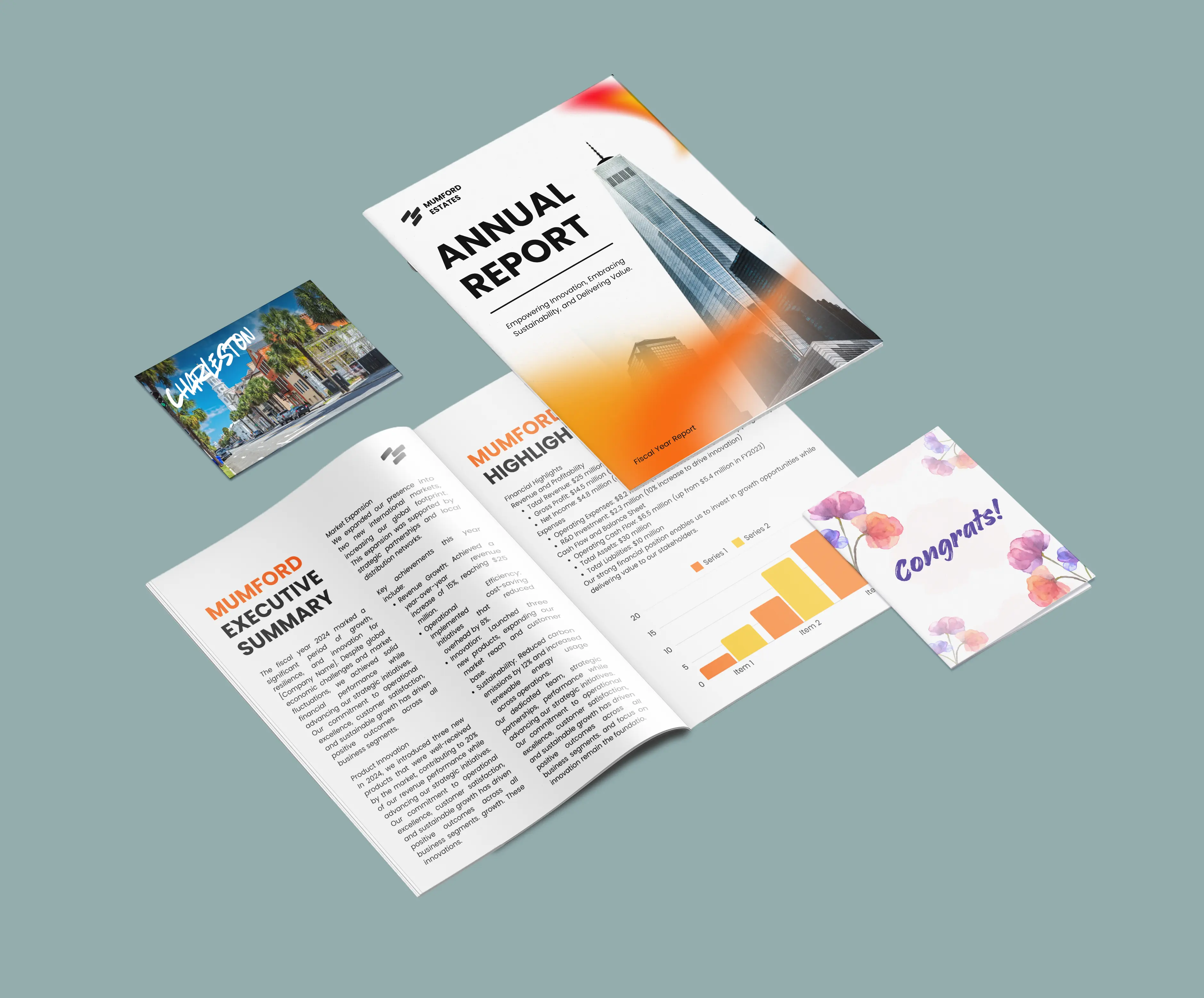
Ver (y sentir) es creer
Start your print journey with our sample packs.
Solicita un paquete de muestras gratis